How-to
If your team has pointed Claude Code, Codex, or Cursor at a real browser through Playwright MCP, you have probably noticed the bill before you noticed the latency. The reason is structural: the agent does not just read the page you asked about once. It receives an accessibility snapshot, that snapshot becomes part of the conversation, and every later model call re-reads the whole conversation from the top.
One builder publicly measured a single task on a dense admin dashboard — filtering roughly 400 orders to a status and date range, then counting matches — at about 22,556 tokens for the page snapshot alone. Your number will differ, but the mechanics do not. This playbook is a practical way for cross-border ops, SaaS, and store teams to find where those tokens go and cut them down without making the agent less trustworthy.
Why browser snapshots dominate the bill
Figure: Editorial context image from the source page (preview only; rights remain with the publisher) · Credit / further reading: dev.to
A Playwright MCP accessibility snapshot is a structured description of everything the page exposes: roles, labels, headings, list items, table rows, form fields, and the attributes that tie them together. That is exactly what makes agents reliable on unfamiliar pages — and exactly what makes them expensive on real ones.
On a marketing page the snapshot might be a few hundred lines. On an order management table, a supplier portal, or a multi-tab analytics screen, the same snapshot can run to thousands of lines. Every one of those lines is tokens.
The compounding effect
The unit cost is only half the story. Because the snapshot is appended to the conversation history, it is re-transmitted with every subsequent turn. Take three snapshots across a ten-step task and you are not paying for three snapshots — you are paying for the re-reading of all of them, repeatedly. Cost scales roughly with the square of the number of turns in a session, and snapshots are the heaviest thing in that session by far.
Where the weight actually sits
In practice the fat is concentrated in a few predictable places: long data tables, repeated list items that differ only by index, navigation menus and sidebars that never change, decorative wrappers with no semantic value, and hidden or collapsed panels that the agent will never interact with. If you learn to recognise these five patterns, you can usually cut a snapshot dramatically without touching what the agent actually needs.
Eight steps to bring the cost down
1. Instrument before you optimise. Do not guess. Log prompt tokens, completion tokens, and turn count per task. Most agent harnesses expose this, and a CSV with three columns is enough to spot the outliers. Without a baseline you cannot tell whether a change helped.
2. Replay one real task and count snapshots. Pick your most frequent workflow — a refund lookup, a stock check, a price comparison — and run it end to end with logging on. Count how many snapshots the agent takes and how many turns follow each one. Almost every team finds that one unnecessary mid-flow snapshot is responsible for a disproportionate share of the bill.
3. Ask for the answer, not the page. The single biggest lever: replace 'take a snapshot and reason over it' with 'run this evaluation in the page and return the result.' A few lines of in-page JavaScript that filter rows and return a count or a short list costs a fraction of a full accessibility tree. Reserve full snapshots for the moments the agent genuinely must decide what to click next.
4. Narrow the page before you snapshot. If the task concerns refunded orders from a given period, apply the filter first — ideally via URL parameters or a direct navigation — then snapshot. A pre-filtered view is smaller, and it is also less ambiguous for the model. On paginated tables, snapshot one page, not the default fifty-row dump repeated across tabs.
5. Cache stable facts outside the conversation. Selectors, navigation paths, and field labels do not change between runs. Store them in a config file, a short system message, or a tool that returns them on demand. Re-deriving the same layout knowledge in every session is pure waste.
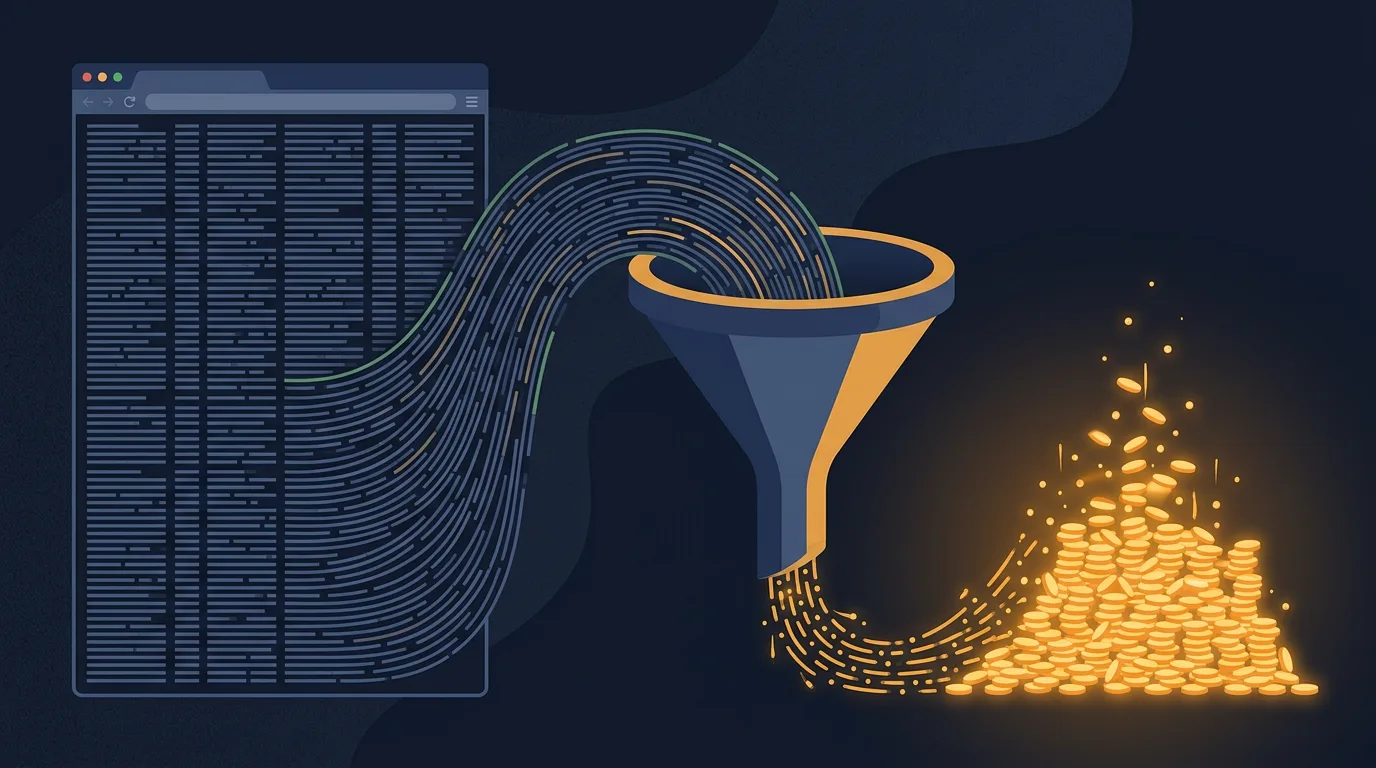
Figure: HEXOPS original illustration inspired by the topic (not a copy of the source article imagery) · Credit / further reading: dev.to
6. Break long flows into short sessions. Because history is re-read each turn, a twenty-turn session costs far more than four five-turn sessions doing the same work. Hand off state explicitly — write the extracted facts to a file or a scratch variable — and start a fresh context. The agent loses conversational continuity, which is usually a feature rather than a bug for deterministic browser work.
7. Make repeatable flows deterministic; keep the agent for exceptions. If a workflow runs the same way every day, encode it as a Playwright script and let the agent handle only the anomalies: unexpected modals, changed layouts, ambiguous matches. You keep the flexibility where it is worth paying for and remove the token cost where it is not.
8. Set budget guardrails. Add a hard cap on turns per task, alert on sessions that exceed a token threshold, and fail loudly rather than silently spinning. A runaway agent loop on a heavy dashboard is not a theoretical risk; it is the most common way a cheap workflow becomes an expensive one overnight.
Checklist before you ship a browser agent
- Token, turn, and snapshot counts are logged per task
- The heaviest workflow has been replayed and its snapshot count is known
- Task-type workflows return computed answers, not full page trees
- Pages are filtered or scoped before snapshotting
- Stable selectors and layouts live outside the conversation
- Long flows are split into short sessions with explicit handoff
- Deterministic paths are scripts; only exceptions go to the model
- Turn caps and spend alerts are configured and tested
Key takeaways
Snapshot cost is a design problem, not a pricing problem. The accessibility tree is the right interface for reliability, but it should be requested deliberately, scoped tightly, and never repeated unnecessarily. Teams that move from 'snapshot and reason' to 'evaluate and return' routinely keep the same agent capability with a fraction of the conversation weight — and they get faster responses as a side effect. Measure first, then cut.
Next steps
Pick your single most-run browser workflow this week. Instrument it, count its snapshots, and try one change — most likely step 3 or step 4 — then compare the numbers. If the reduction holds, roll the pattern out to the rest of your agent tasks and write the guardrails from step 8 into your CI or ops runbook.
Sources
- Playwright MCP snapshots cost me 22,556 tokens per page. Here's what I measured — dev.to