How-to
Gemini API CLI Official Guide (Part 1): Giving Your AI Agent a Stateless Multimodal CLI Toolbox
How cross-border, SaaS, and store teams can turn a single binary into a repeatable, auditable AI primitive — and stop hard-wiring model calls into application code.
Most teams don't have an "AI problem." They have an integration problem. The model works fine in a notebook; then it has to survive a production cron job, a Shopify bulk edit, a support-ticket queue, and a colleague who runs it from a laptop in another timezone. That's where things break.
The Gemini API CLI approach solves a narrow but high-leverage slice of this: it exposes model calls as stateless, composable shell commands. No session, no server, no shared memory. Input goes in (text, image, file), output comes out (text or JSON), and the next step in your pipeline decides what happens. For an AI agent, that's close to ideal — a tool it can call, retry, and discard without side effects.
This guide is Part 1: getting the toolbox installed, verified, and safe to hand to an agent.
Verified environment (from the source guide):
2026-11-14 21:53Asia/Taipei (UTC+8), macOS Apple Silicon (ts-m1),gemini-api 0.4.6, plus a live Paid Tier run on2026-11-15. Treat those stamps as your baseline — pin your own before you ship.
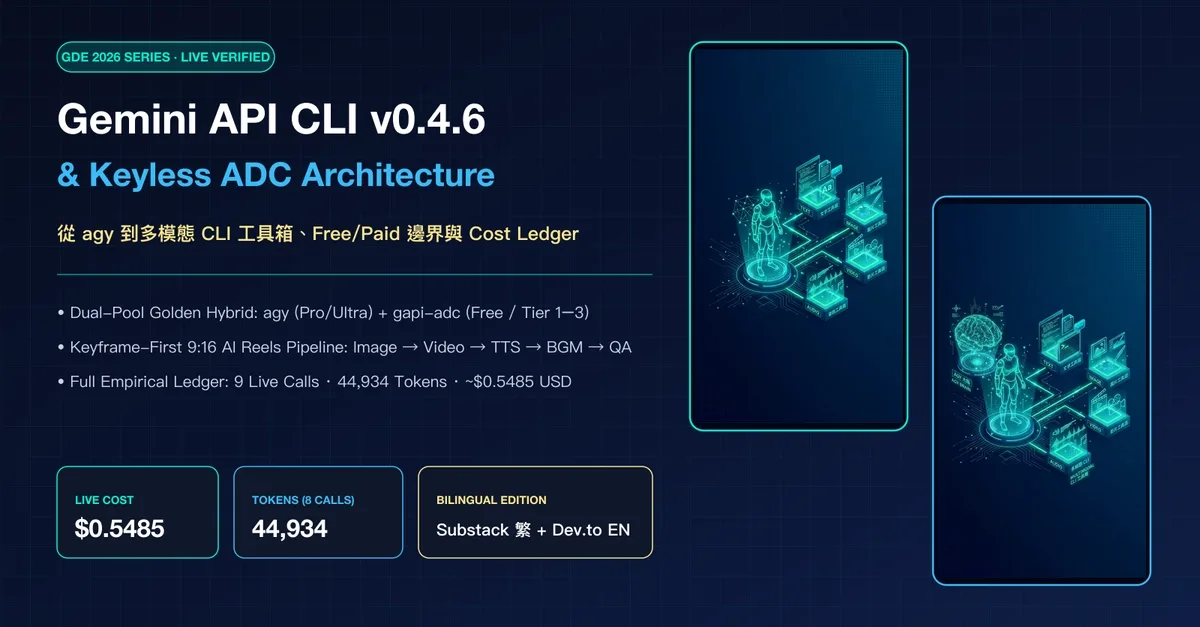
Figure: Editorial context image from the source page (preview only; rights remain with the publisher) · Credit / further reading: dev.to
Why "stateless" is the feature, not the limitation
A stateful AI service holds context for you: threads, memory, history. Convenient — and dangerous in production, because state is where idempotency, replay, and cost attribution all go to die.
A stateless CLI forces discipline:
| Concern | Stateful service | Stateless CLI |
|---|---|---|
| Retries | Risky (duplicate context) | Trivial (same input, same call) |
| Cost attribution | Per-thread, fuzzy | Per-invocation, loggable |
| Debugging | "What was in the context?" | The exact bytes you piped in |
| Agent safety | Shared memory can leak | Each call is sandboxed |
| CI/CD | Hard to test | One command, one assertion |
For a store team translating 800 SKU descriptions, or a SaaS team classifying inbound tickets, that table is the whole argument.
Prerequisites checklist
Before Step 1, confirm you have:
- macOS, Linux, or WSL2 (avoid native Windows paths for file piping)
- A Gemini API key from AI Studio, stored in a secret manager — not in a repo
- A decision: Free Tier for prototyping, Paid Tier for anything with SLAs or real volume
-
jqinstalled (you will want structured output validation) - A scratch directory with
.gitignorealready covering.env
Step 1 — Record your verification stamp
Ops teams skip this and regret it. Before installing anything, write down:
date -u +"%Y-%m-%dT%H:%M:%SZ"
uname -a
Put that in docs/ai-cli-baseline.md alongside the CLI version you're about to install. When a prompt behaves differently in six weeks, this file is the difference between a 10-minute diff and a two-day mystery. The source guide does exactly this (ts-m1, gemini-api 0.4.6) — copy the habit, not the values.
Step 2 — Install and pin the CLI version
Install gemini-api, then immediately pin. Floating versions are how a working agent silently becomes a broken one.
gemini-api --version # expect something like 0.4.6
Record the exact version in your baseline doc, and in any Dockerfile use the pinned tag, not latest. If your team ships to multiple regions, pin the same version in every environment — a Tokyo runner and a Frankfurt runner producing different output for the same SKU is a support ticket nobody enjoys.
Step 3 — Move the key out of your shell history
Authenticate via environment variable sourced from a secret manager:
export GEMINI_API_KEY="$(op read 'op://Engineering/Gemini/api-key')"
Then verify the CLI sees it without echoing the value:
gemini-api --help # should not error on missing credentials
Two rules for cross-border teams: (1) never let the key into a docker build layer, and (2) if you operate under data-residency constraints, confirm which region your requests land in before you send customer images. This is a policy question, not a technical one — settle it in Step 0, not Step 7.
Step 4 — Run the smoke test before anything else
Every pipeline needs one command that proves the whole chain works: binary present, credentials valid, network reachable, model responding.
printf 'Reply with exactly: OK' | gemini-api generate --model <your-model>
Expect OK. If you get an auth error, it's Step 3. If you get a timeout, it's network or region. If you get a different answer, your prompt is being wrapped by something — investigate before building on it.
Note on flags: the CLI surface evolves between releases. The invocations in this guide are illustrative of the 0.4.x shape — before you script any of them, run
gemini-api <subcommand> --helpand pin the flags you actually use. That one habit prevents most upgrade pain.
Step 5 — Add multimodal input (the part that pays for itself)
This is where the CLI earns its keep for store teams. Instead of building an upload endpoint, you pipe a file.
gemini-api generate \
  --model <your-model> \
  --input product-shot.jpg \
  --prompt "Write a 25-word alt text and a 60-word marketplace description. English."
Practical workloads that fit this shape almost perfectly:
- Catalog ops: image → alt text + short description, at 500 SKUs per batch
- Cross-border listings: 中文 spec sheet → English bullet points, tone-matched to your storefront
- Receipts & invoices: photo → line items, for expense or reconciliation flows
- Support triage: screenshot → category + severity, feeding a routing table
The key property: the file never touches your server. It goes straight from disk to the model. For a small team without an ML platform, that's a meaningful reduction in surface area.
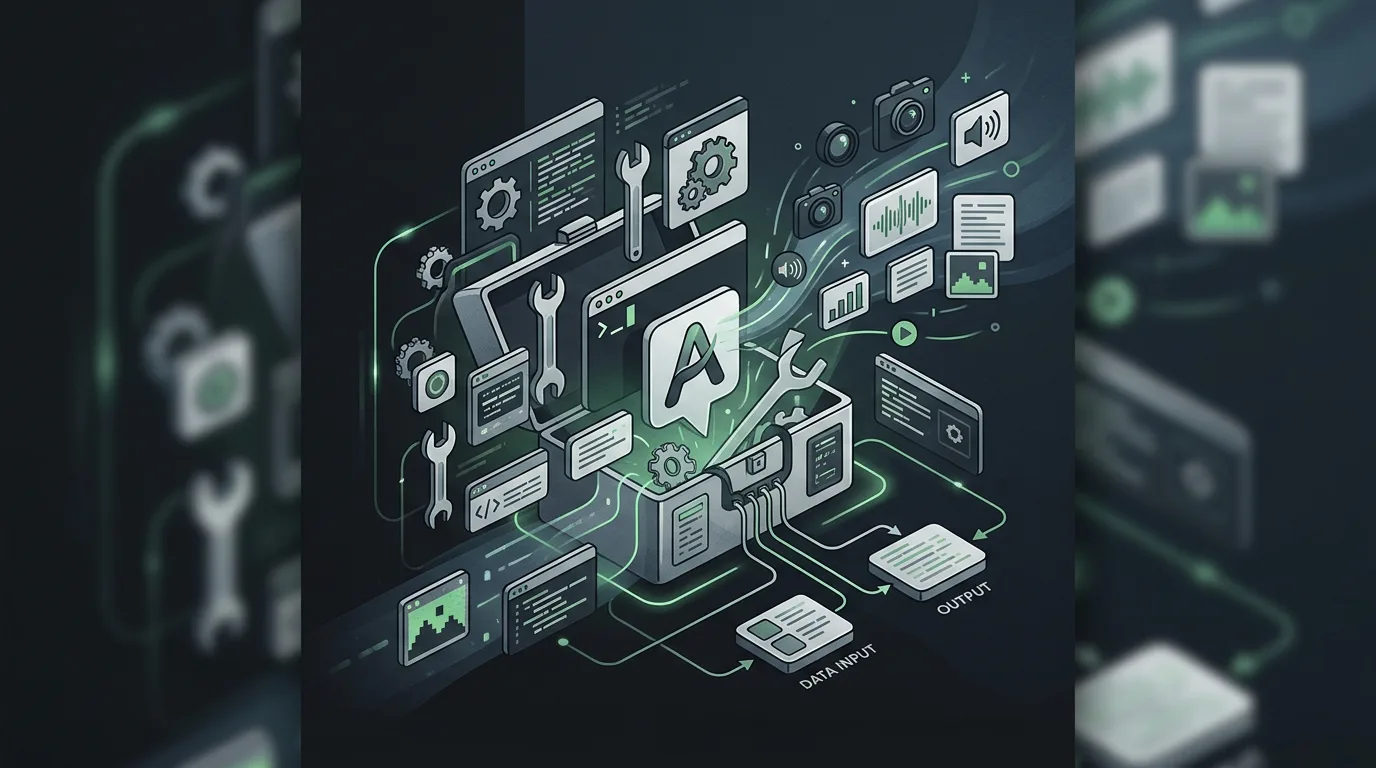
Figure: HEXOPS original illustration inspired by the topic (not a copy of the source article imagery) · Credit / further reading: dev.to
Step 6 — Force machine-readable output
Free-text output is for humans. Agents need JSON with a schema you can validate.
gemini-api generate \
  --model <your-model> \
  --input receipt.jpg \
  --prompt 'Extract: {"merchant":string,"total":number,"currency":string,"date":"YYYY-MM-DD"}. Return JSON only.' \
  | jq -e '.total and .currency'
jq -e exits non-zero if the shape is wrong — which means your batch script can fail loudly instead of writing garbage into your database. Add a retry with a stricter prompt on validation failure, and cap it at two attempts. Beyond that, route to a human queue.
Step 7 — Wrap it in a batch job
Never loop over 800 items interactively. Write a small script with explicit concurrency, error capture, and a manifest:
#!/usr/bin/env bash
set -euo pipefail
: > results.jsonl
while IFS=, read -r sku path; do
  out=$(gemini-api generate --model <your-model> \
        --input "$path" \
        --prompt "Return JSON: {\"alt\":string,\"desc\":string}" \
        || echo '{"error":"call_failed"}')
  printf '%s\t%s\n' "$sku" "$out" >> results.jsonl
done < manifest.csv
Start with head -5 manifest.csv to validate on a sample. Check: valid JSON rate, average latency, and cost per item. Only then run the full set — and run it in a sandbox project key first, so a bug in your loop doesn't hit your production quota.
Step 8 — Hand it to the agent with guardrails
When an agent calls this CLI, four guardrails matter more than prompt quality:
- Timeout — every invocation wrapped in
timeout 60, so a hung call doesn't stall the loop. - Allow-list — the agent may call
gemini-api generatewith files under/data/inbox/only. No arbitrary paths. - Budget ceiling — a per-run counter that hard-stops at N calls, logged.
- No key exposure — the agent inherits the env var; it never prints it, never writes it to a tool result.
Statelessness makes all four easy. That's the payoff.
Ship checklist
- Baseline doc created: date,
uname -a, CLI version - CLI version pinned in every environment (local, CI, prod runner)
- Key sourced from secret manager; absent from history, images, and logs
- Region / data-residency decision documented
- Smoke test passes from a clean shell
-
--helpoutput captured for every subcommand you script - JSON schema defined and validated with
jq -eor equivalent - Retry policy: max 2 attempts, then human queue
- Batch run validated on 5 items before full volume
- Timeout, path allow-list, and call budget set for agent use
- Cost-per-item measured and recorded for the finance conversation
What Part 1 deliberately leaves out
Streaming, multi-turn conversation, function calling, and long-document handling are all real, and all better covered as Part 2 — because they change the state story. Once you add conversation, you're back to managing context, and the guardrails get more interesting. Get the stateless layer boring and reliable first.
The one-line summary for your team wiki: a stateless multimodal CLI turns "we use AI" into "we run a command that produces validated JSON at a known cost." That's a sentence a cross-border ops lead can actually budget against.
Sources
- Liao, Jimmy. Gemini API CLI Official Guide (Part 1): Giving Your AI Agent a Stateless Multimodal CLI Toolbox. Dev.to. https://dev.to/jimmyliao/gemini-api-cli-official-guide-part-1-giving-your-ai-agent-a-stateless-multimodal-cli-toolbox-36p3
- Walkthrough video (70s, YouTube): https://youtu.be/Rb5ij419w2Y
- Highlight short (13s, YouTube Shorts): https://youtube.com/shorts/82-Z_Jq-ezQ
- Verification context from the source:
2026-11-14 21:53Asia/Taipei (UTC+8), macOS Apple Silicon (ts-m1),gemini-api 0.4.6; Paid Tier live run2026-11-15. - Google AI Studio / Gemini API key management — refer to current official Google documentation for credential and tier specifics.